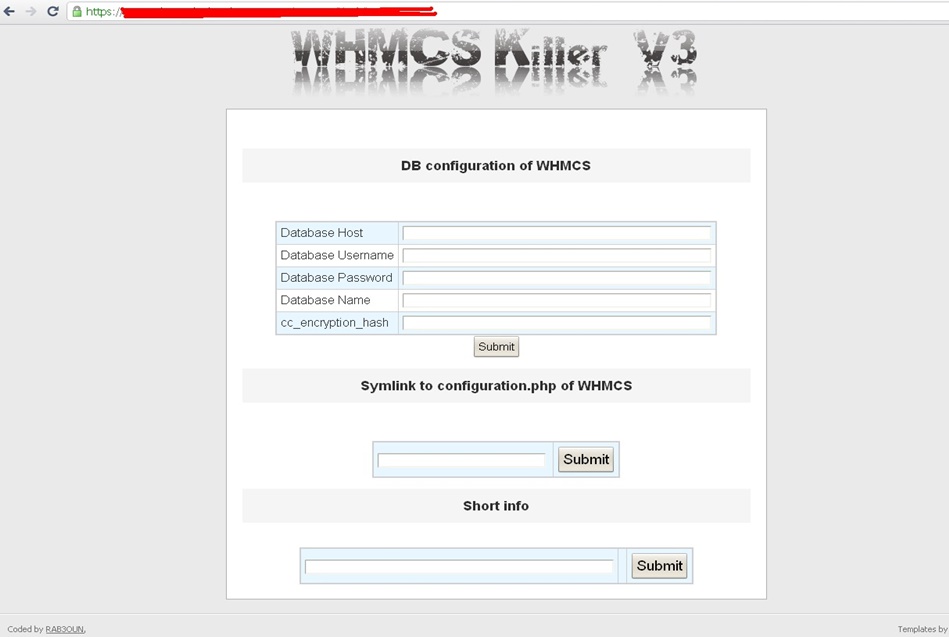
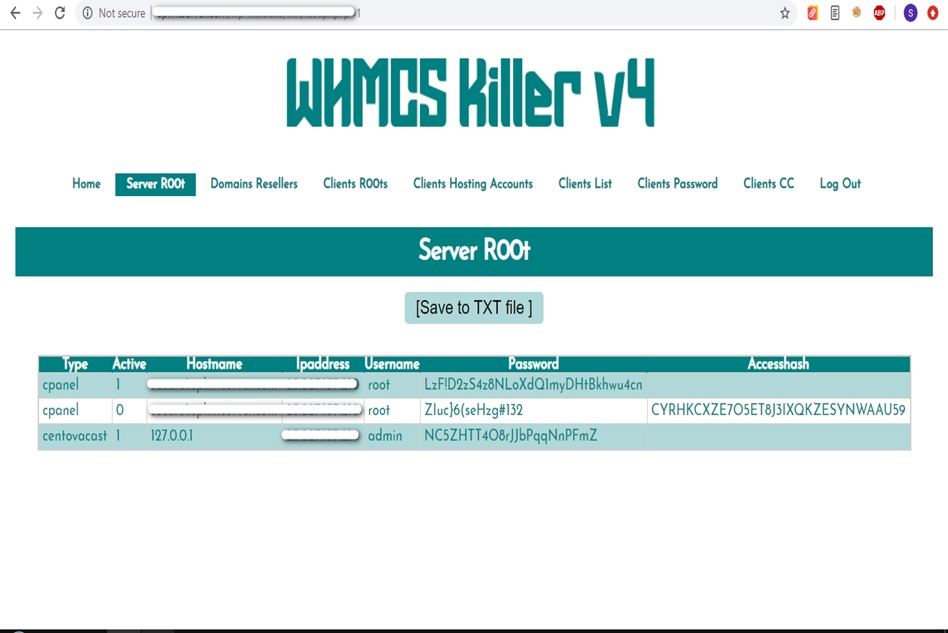
WHMCS Killer v4 Coded in Latest php version Tools Server R00t Domain Resellers Clients R00ts Clients Hosting Accounts Clients CC Clients Password NEw DEsign
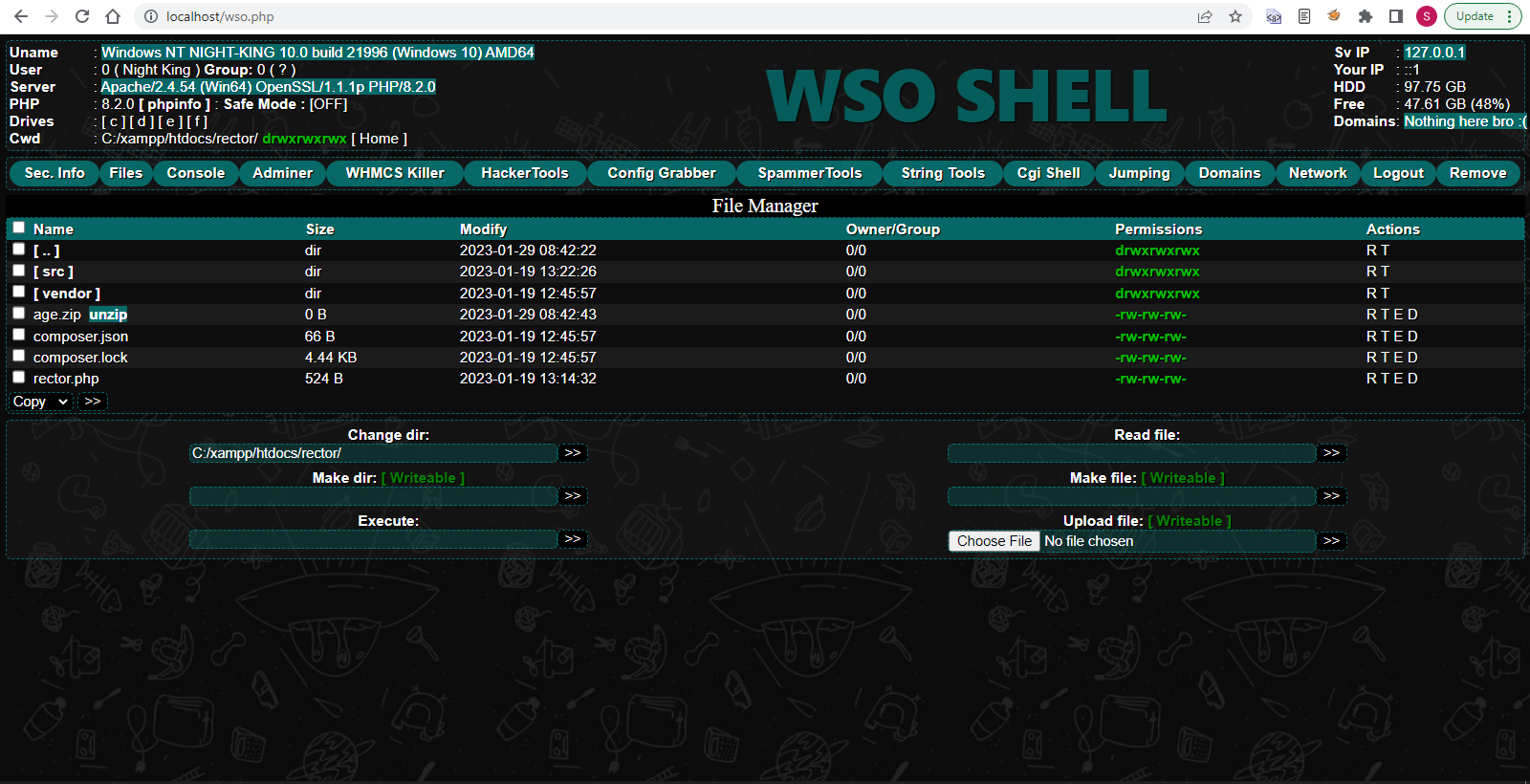
WSO SHELL 2023
[Hacker Tools] cPanel/WHM/WebMail Cracker - Create RDP - Getting Passwords - Finder .accesshash/WHM - Finder .my.cnf/cPanel - Auto Change Admin User WordPress/Joomla/OpenCart - Zone-h Poster - Install BackDoor [Spammer Tools] Create SMTP - Create Mailer - Mail Sending Checker - Redirects - Getting Emails-List - Emails-list Filter [Other Features] Adminer - WHMCS Killer v4 - Unzip - Config Grabber[Advanced] - Server Jumping - Cgi Shell - Back Connect - Domains List [Supported] php 5.x - php 7.x - php 8.x Password:dadsec
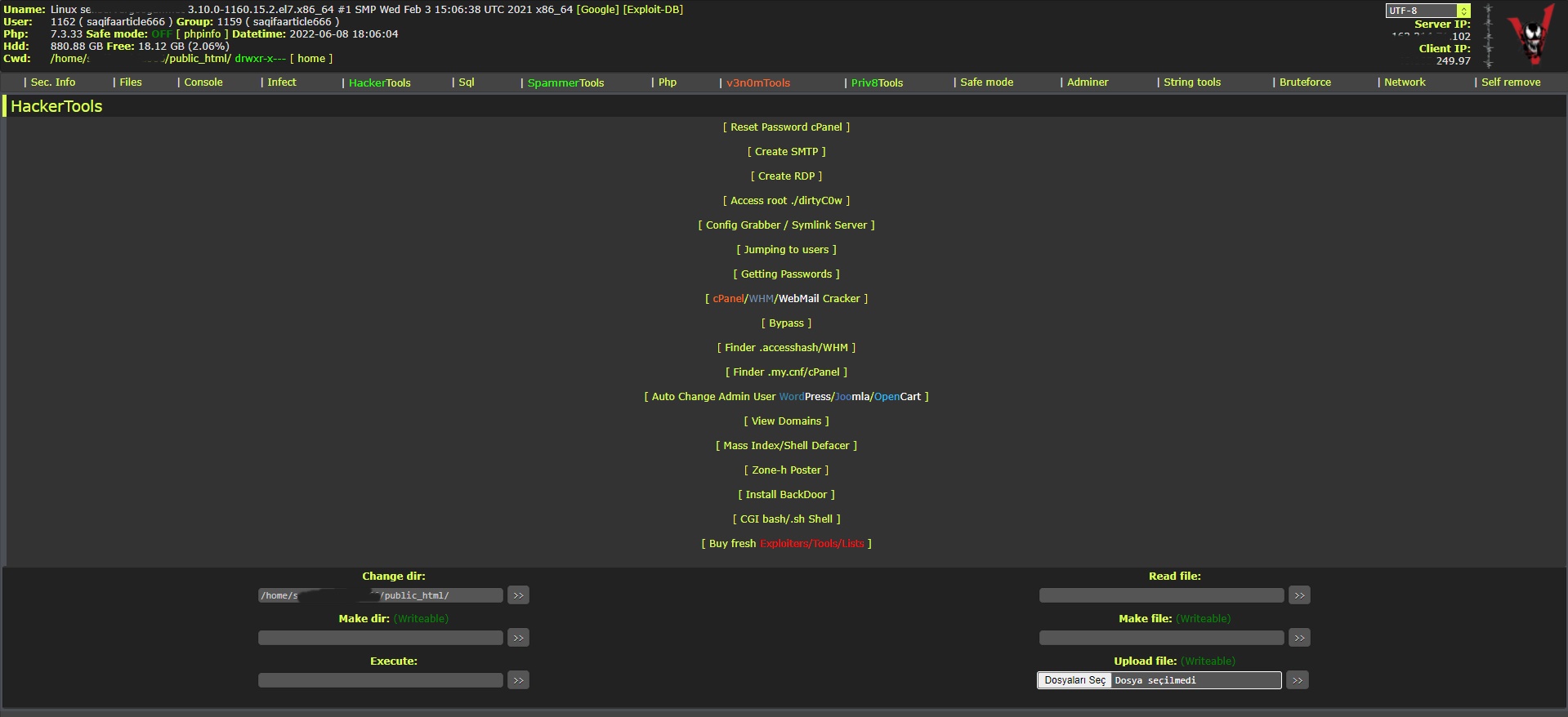
WAnonymousFox shell 2023
FoxAuto V8 [01] Mass Reset Password cPanel [02] Mass Finder SMTP + Create SMTP [03] Mass Finder Linux/Windows, cPanel/vHosts/Root [PWD|UNAME] [04] Mass Finder Accesshash [Reseller] + .my.cnf [cPanel] [05] Mass Get Config (cPanel/vHosts) server+Config404+ConfigCFS [06] Mass Get Config + Crack cPanel/WHM [07] Mass Get Config+Upload Shell on WordPress/Joomla/Opencart [08] Mass Get Root by ./dirty [PHP/BASH] [09] Mass Get RDP from Windows server [10] Mass Get Domains-List [11] Mass Get Emails-List [12] Mass Get Config + Emails-List [13] Mass Upload Mailer [Random] [14] Mass Upload File [Random] [15] Mass Upload Index + Post in Zone-h [16] Mass Upload Scam-Page/Zip-file + UNZip [17] Mass Check if Sending mail is Working or not! [Results delivery] [18] Mass Reports replacement Olux/xLeet/Other [19] From any Shell/UPloader, MASS Upload File Shell/Mailer [20] Reset Password cPanel + Finder/Create SMTP [together] [21] [All of them together] [22] Mass Finder SMTP + Create SMTP from cPanel [23] MASS Upload File Olux/xLeet/Other Shell/Mailer from cPanel [24] Mass Upload Scam-Page/Zip-file + UNZip from cPanel [25] Mass Check if Sending mail is Working or not! [Results delivery] [26] Mass Reports replacement Olux/xLeet/Other from cPanel [27] Mass login WordPress/Joomla/Opencart/Drupal + UPload Shell
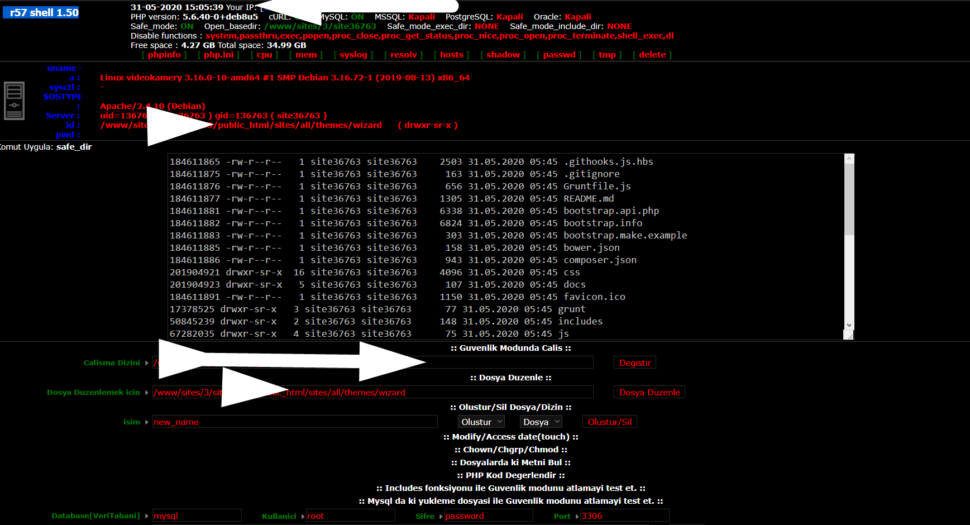
Wr57 shell txt
visit the most interesting R57 pages, well-liked by users from your country and all over the world, or check the rest of r57.biz data below. R57.biz is a website, reported to be malware-infected or hijacked, so you should stay away from it until the problem is resolved. We found that English is the preferred language on R57 pages. Their most used social media is Facebook with about 93% of all user votes and reposts.
It optimizes storage by only recording modifications made to a base template. The Legal Reality of Pre-Built QCOW2 Downloads
Windows 11 QCOW2 Download: The Best Methods and Images Virtualization allows developers, testers, and system administrators to run multiple operating systems efficiently. A QCOW2 (QEMU Copy-on-Write 2) image is the standard storage format for QEMU and KVM hypervisors. Finding a pre-built Windows 11 QCOW2 image can save hours of installation time.
Downloading pre-compiled QCOW2 files from third-party websites introduces massive security risks, including embedded malware or keyloggers. The safest architecture involves downloading the official ISO directly from Microsoft and converting it locally using standard command-line utilities. Creating a Custom QCOW2 Image windows 11 qcow2 download best 2021
Yes, the evaluation images are free to download and use for 90 days. After that period, you will need to either reinstall the VM or purchase a valid Windows license to continue using it.
VirtIO-block is consistently faster than SATA emulation for QCOW2. It optimizes storage by only recording modifications made
You will need to choose one of these, most likely either VMWare or VirtualBox, as a starting point.
Open a terminal and use the qemu-img command. A minimum size of 64GB is recommended for Windows 11's system drive. Finding a pre-built Windows 11 QCOW2 image can
This guide explores the best methods, images, and tools for setting up a Windows 11 QCOW2 image in 2021/early 2022. Why Windows 11 QCOW2?
No drives will be listed. Click , then "Browse" . Navigate to the VirtIO driver CD-ROM, open the viostor folder, then w10 (or w11 ), then amd64 , and select the driver. After loading it, your blank QCOW2 disk will appear, and you can continue installing Windows 11.